Contents
Why update the 888starz APK
Most updates are not new features but fixes and speed-ups: live opens faster, streams and the cashier run more stably, discovered vulnerabilities are closed. From time to time noticeable changes arrive too: new game sections, an updated cashier with local payment methods, support for new Android versions.
There is a practical reason not to put it off: over time the server stops accepting connections from outdated builds. Then the app opens on the loading screen and goes no further — and the only cure is updating.
How to see which version is installed
In the app: menu → Settings or About, version number at the bottom of the screen. In Android: Settings → Apps → 888starz — the version is shown there. The simplest sign of an outdated version is the app itself: on launch it shows a notification offering the update with a download button. If push notifications are on, word of a new version arrives in advance.
How to update the APK without losing data
The procedure is the same as the first install, only shorter:
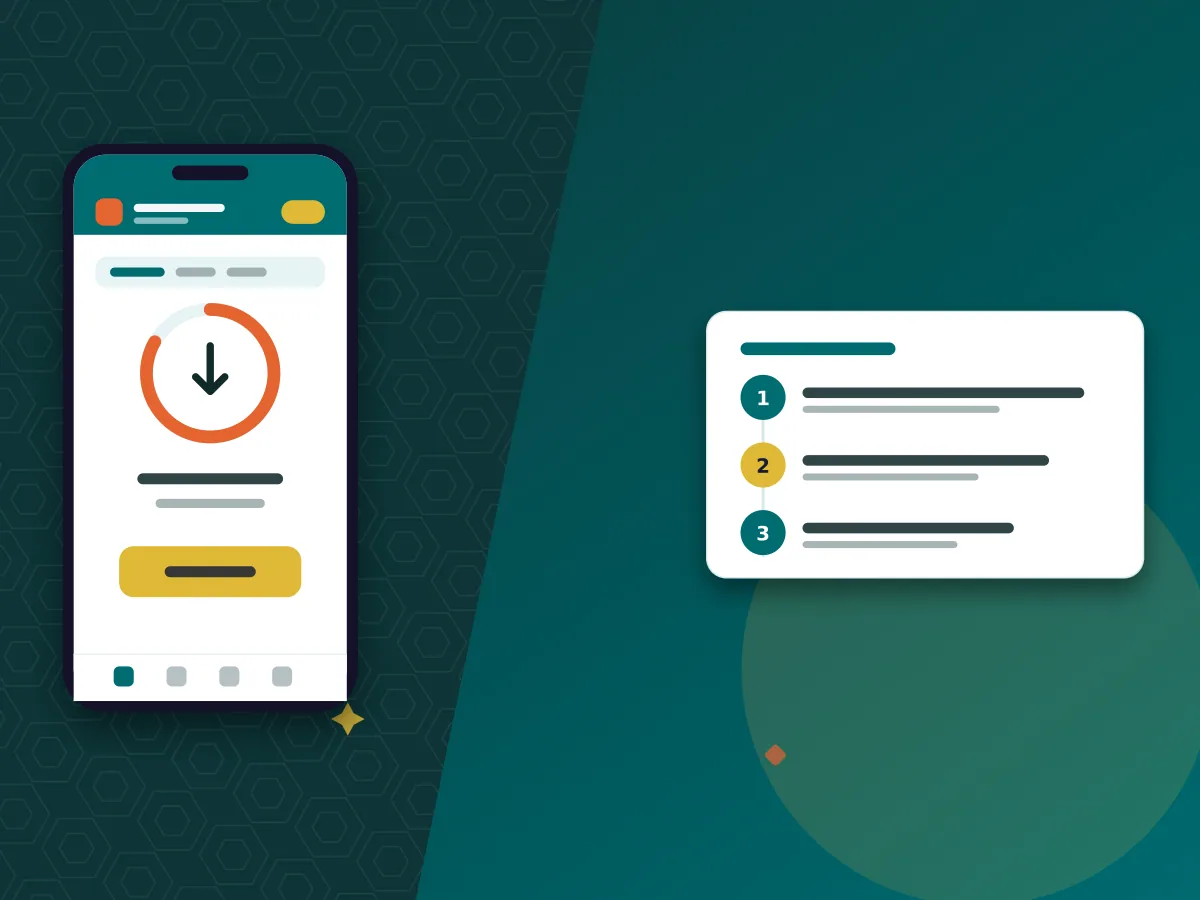
- Download the fresh file from the operator’s mobile site — from the mobile apps section or via the button in the app notification.
- Open the file and confirm the installation. Android shows that an already installed app is being updated; permission to install from external sources was granted the first time.
- Launch 888starz — login, settings and bet history are in place.
There is no need to uninstall the old version. Moreover, uninstalling is not required even if something goes wrong: the account and money are stored on the operator’s server, not on the phone, and are restored by signing in with your username and password.
Why the old version stops working
A few releases after a new version appears, the server switches off outdated protocols. Signs: endless loading on launch, a connection error with working internet, an empty line with no events. Updating fixes it. Searching for an “888starz apk old version” at that moment is the worst decision: it is not distributed officially, and third-party archives are the usual channel for the fakes we described on the home page and on the mods page.
If something breaks after updating
First clear the app cache: Settings → Apps → 888starz → Storage → Clear cache — and restart the phone. If the app still closes on launch, uninstall it and install again from the operator’s mobile site: signing in with your username and password brings everything back as it was.
The error “App not installed” when trying to update over the top means a signature mismatch: one of the versions is not official. In this case too, uninstall and install the original. For a problem with a specific feature — for example, the cashier will not open — write to operator support via chat or at [email protected], including your phone model, Android version and app version number.
This resource is for ages 18+. If you feel play is getting out of hand, help and self-limitation are on the responsible gaming page.